USE YOUR
BANKR WALLET
ANYWHERE
Bankr wallet address, in your browser!
Use with all the dapps you love ❤️
Works on: Chrome · Brave · Arc


0
Chains Supported
0
Token Holders
0
Open-Source
FEATURES

Base

Ethereum

Polygon

Unichain
AI-Powered Transactions
Execute transactions through Bankr API prompts seamlessly.
Side Panel Mode
Keep wallet visible while browsing, no annoying popups!
Multi-Chain Support
Base, Ethereum, Polygon, Unichain - all in one wallet.
Per-Tab Chains
Different chains in different browser tabs for power users.
Secure Storage
AES-256-GCM encryption with PBKDF2 (600k iterations).
EIP-6963 Compatible
Works alongside other wallets with modern dapp discovery.
Transaction History
Track recent transactions with real-time status updates.
Browser Notifications
Get notified when your transactions complete.
$BNKRW
CA
0xf48bC234855aB08ab2EC0cfaaEb2A80D065a3b07
0xf48b...3b07
MARKET CAP
Loading...
1H CHANGE
...
PRICE
...
GET STARTED IN 60 SECONDS
1
Download
Get the latest release zip file from GitHub.
2
Load Extension
Enable Developer mode and load the unpacked extension.
3
Get API Key
Visit bankr.bot/api to get your Bankr API key.
4
Start Using
Enter your API key, create a password, and you're ready!
DETAILED INSTALLATION GUIDE
1
Download the Extension
- Go to the latest release on GitHub
- Download the
bankr-wallet-vX.Y.Z.zipfile from the release assets - Extract the zip file to a folder on your computer
2
Load in Chrome / Brave / Arc
- Open your browser and navigate to:
chrome://extensions - Enable Developer mode (toggle in the top-right corner)
- Click Load unpacked
- Select the extracted folder containing the extension files

3
Get Your Bankr API Key
- Visit bankr.bot/api to get your API key
- Copy the API key and your wallet address
4
Complete Setup
- Click the BankrWallet extension icon to open the setup wizard
- Enter your Bankr API key
- Enter your wallet address (supports ENS)
- Create a password to secure your API key
- Connect to any dapp and start transacting!
SEE IT IN ACTION
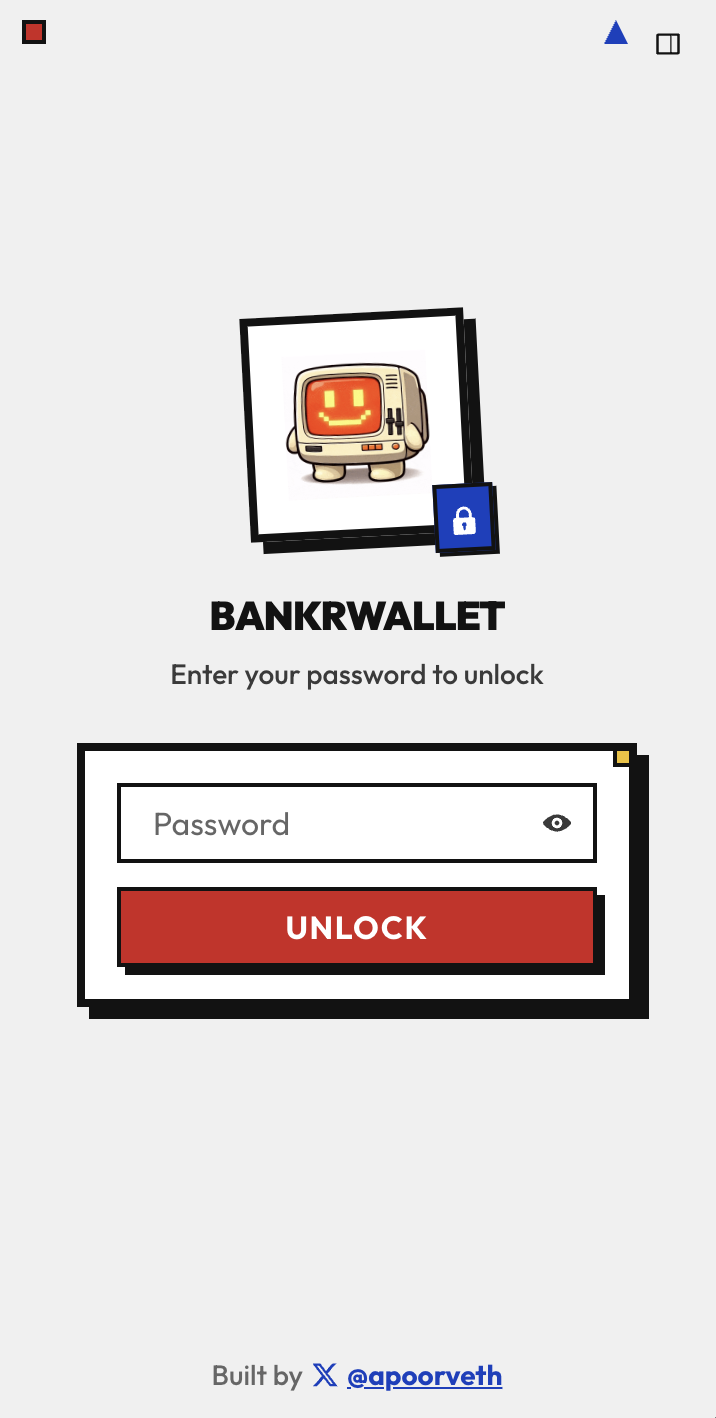
Unlock Screen
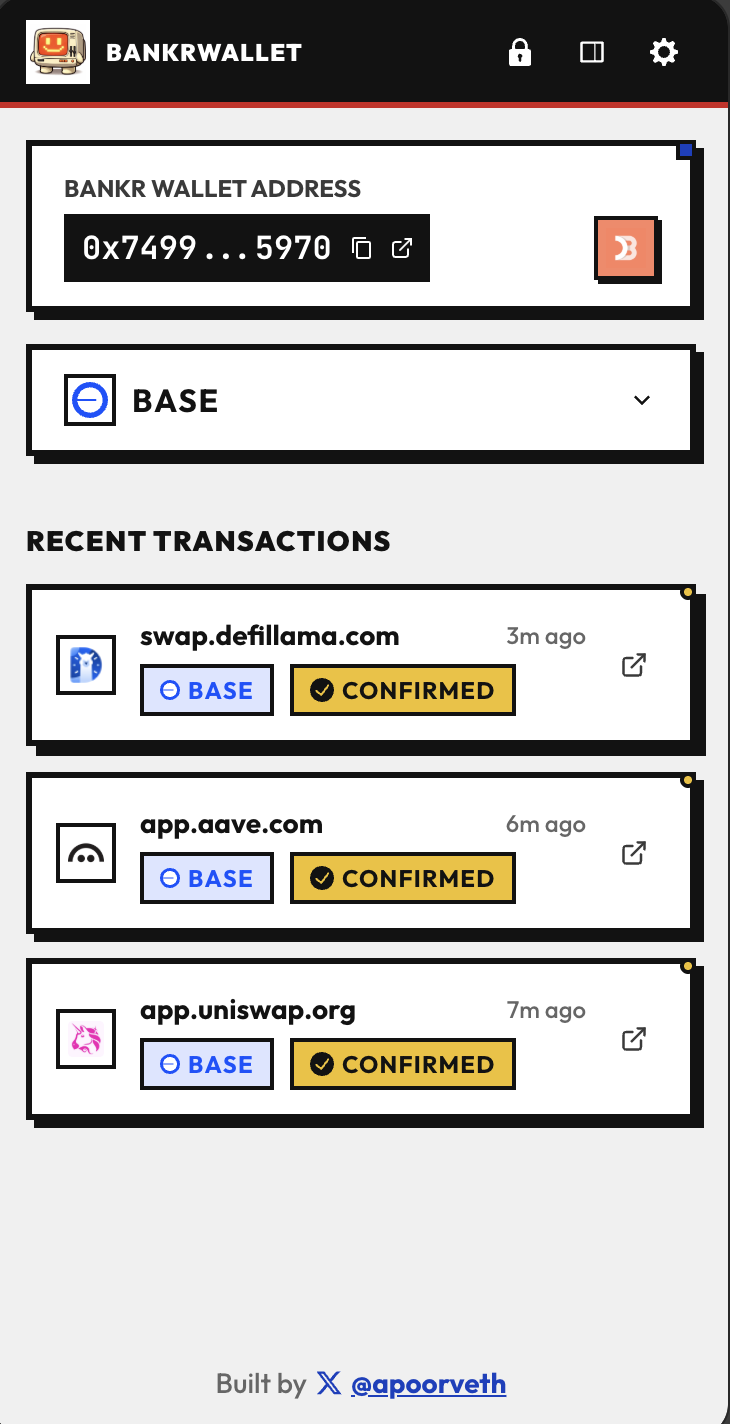
Homepage
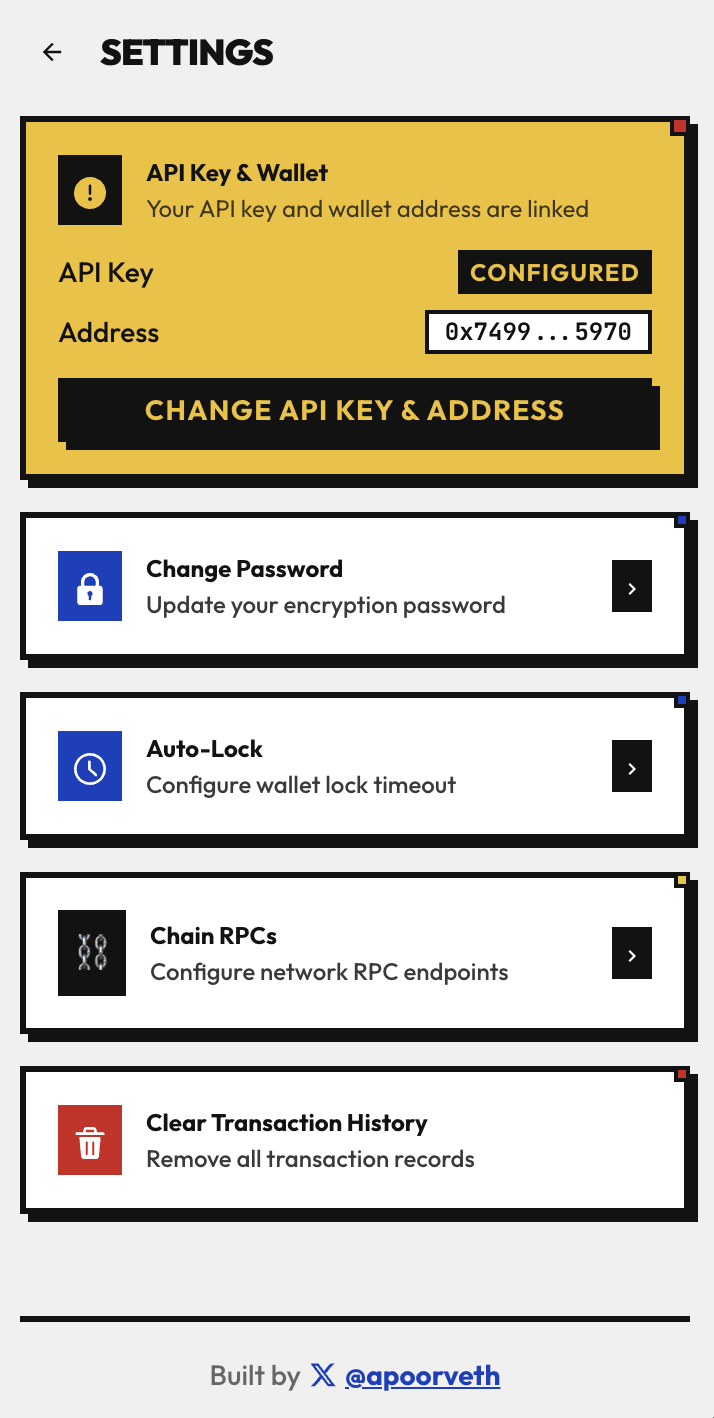
Settings
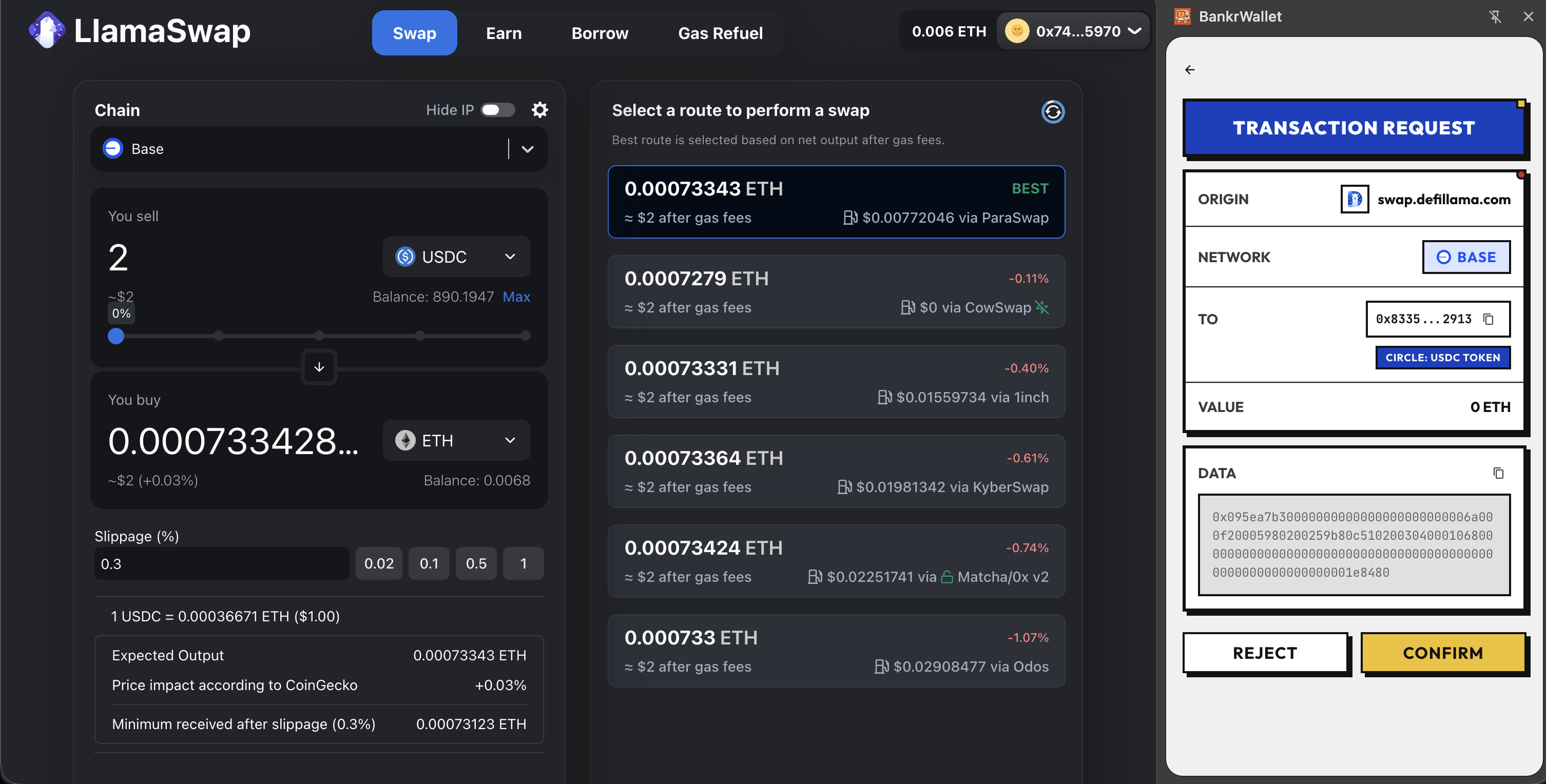
Transaction Request
READY TO MAKE
WALLETS FUN AGAIN?

BANKRWALLET
Your Bankr wallet, anywhere!
Contract:
0xf48b...3b07
Social
@apoorveth